Bar-Specific Digital Menu System Setup: A Cost-Effective Setup for Liquor Service
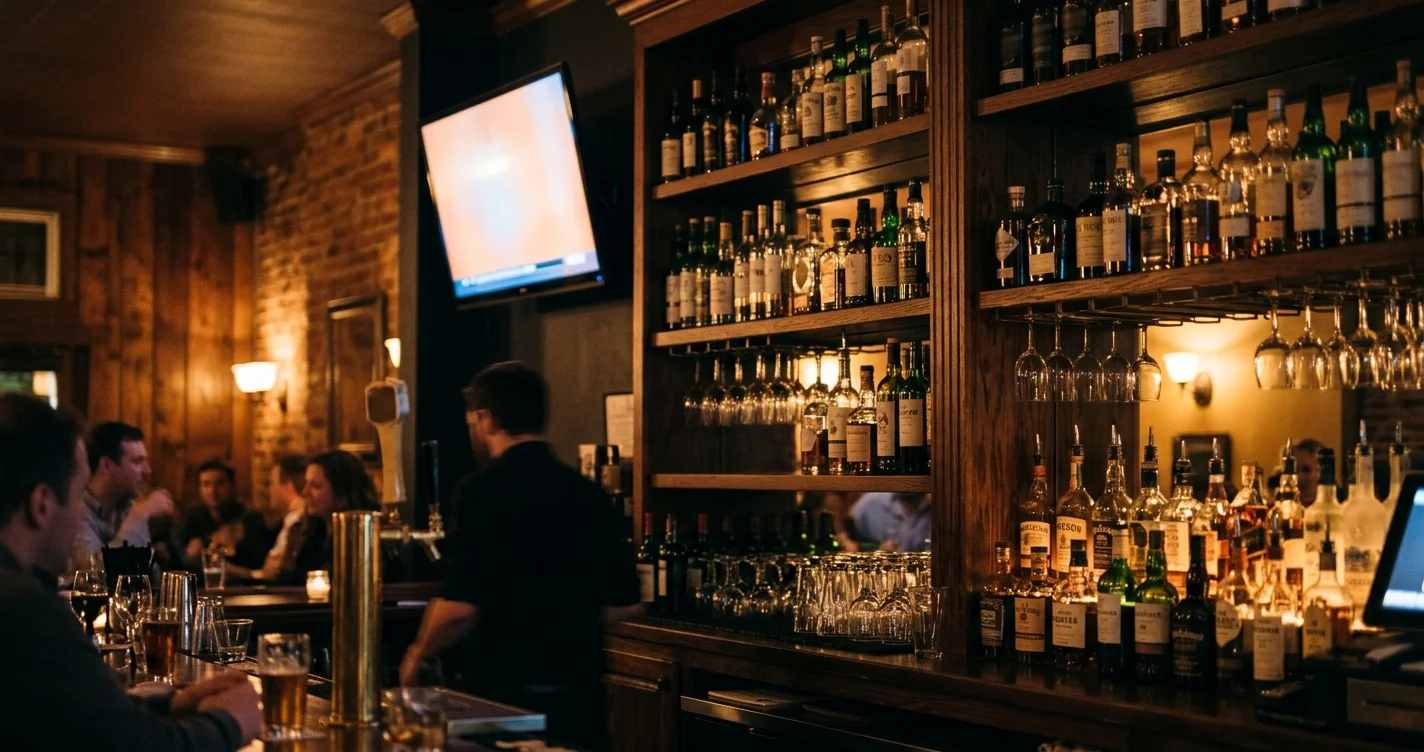
I make MenuMog, so treat this as the maker explaining what his own tool does — including the parts it does not do. A bar is a good test of a digital menu, because a drinks list changes for reasons a food menu does not: the keg blows, the gin runs out, the bartender starts pouring the other Riesling.
Most "bar digital menu system" quotes solve that with hardware and integrations — a custom kiosk, a POS suite, a licence per terminal. What a small bar usually needs is much smaller: a drinks list that is correct tonight, on a screen people can read, that one person can change in a few seconds from behind the bar.
What this actually costs
MenuMog is free right now. Not a trial — free, no credit card, while I am still building it out. There is a Pro tier described on the pricing page for later, and I have not set a price for it yet, so I am not going to pretend I know what you will pay.
The rest of the cost is a screen. MenuMog runs in a browser: the customer-facing menu is a web page, the staff ordering screen is a web page, the bar screen is a web page. There is no app to install, nothing to sideload, and no per-terminal licence. If you have a TV with a browser stick behind it, or a tablet you already replaced, you have the hardware. I am not going to quote you tablet prices — that is a shopping decision, not a product claim.
What a bar setup looks like
Three things, in this order.
A menu. Categories and, if you want them, subcategories: Cocktails, Beer, Wine, Non-alcoholic — and under Wine, By the glass / By the bottle. Each item has a name, a price, an optional description, an optional photo, and optional allergen and dietary tags.
A display. A menu gets a permanent link and a QR code. Point a TV at the link, or print the QR for the tables — same menu, one place to change it.
Optionally, ordering. If you want staff taking orders on a phone, you add a venue: a name, how many tables, and a numeric PIN. That gives you two more screens — one for taking orders, one behind the bar.
You do not need the third part. Plenty of bars want the drinks board and nothing else.
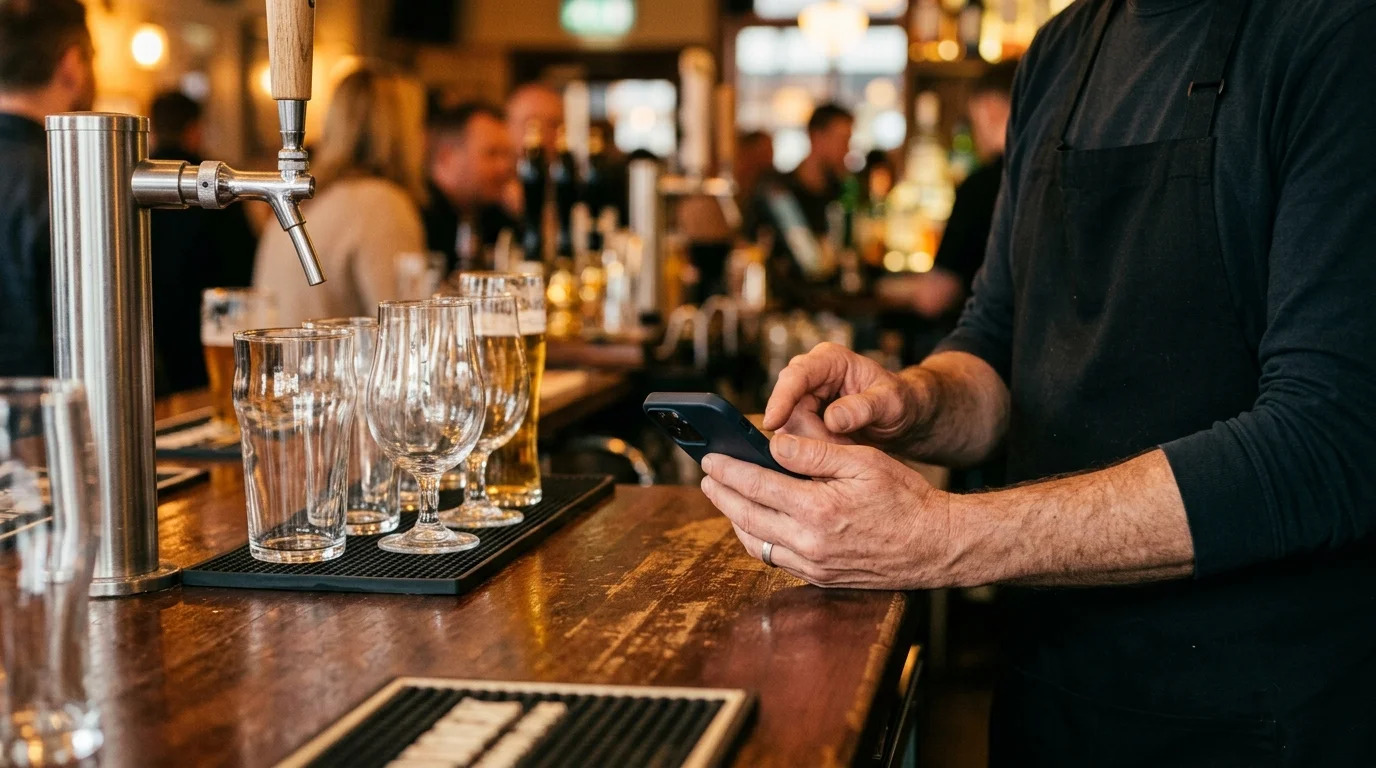
Putting the drinks list on a screen
There are eight display templates, and three of them exist specifically for screens rather than phones: TV Display (a compact layout that fits a lot of items, with images down the side), Carousel (four items at a time on a 16:9 screen, fading between them), and Digital Board (a multi-column board that tries to fit everything on one screen at once). The other five — Classic, Minimal, Bold, Elegant, Modern — are the ones you want behind a QR code on the table.
You pick fonts and colours per menu, and you can turn off prices, descriptions or images independently. That last one matters more in a bar than in a restaurant: a wall of cocktail photos looks great and fits four drinks, and a plain typographic board fits your whole spirits list.
The customer-facing view refreshes itself every 30 seconds by default (you can change the interval or switch it off). Nobody has to walk over and reload the TV.
The 86'd drink is the whole problem
Here is the honest version of what other tools sell as "inventory sync".
MenuMog does not count stock. There is no stock field, nothing decrements when a drink is ordered, and no integration tells it a keg is empty. What it has is a hide toggle on every item — the eye icon in the menu editor. Hide the item and it disappears from the customer's menu on its next refresh, and from the staff ordering screen immediately. Unhide it when the delivery arrives. The item, its price and its description stay where they were the whole time.
That is a person doing the deciding, in about three seconds, from a phone. If what you need is a system that knows how many bottles are on the shelf, MenuMog is not it and I would not sell it to you as such.
Specials — and the limit worth knowing before you plan around it
You can mark items as specials for a day of the week ("Tuesday: Negroni") or for a specific date ("31 December"), and give a special a different price for that day. Day-of-week specials repeat; date-specific ones override them.
What there is not: time-of-day scheduling. There is no happy-hour window that switches prices at 17:00 and back at 19:00 — the schedule's smallest unit is a day. If your happy hour is the point of the exercise, either hide and unhide the section by hand at open and close, or wait for me to build it. I would rather you know that now than discover it on a Friday.
Table ordering and the bar screen
If you turned on ordering, this is the shape of it.
A server opens the ordering page on their phone, enters the venue PIN, and picks a table. They browse the same menu you already built, tap a drink, set a quantity, and — this is the part bars use most — type a free-text note on that item: no ice, double, in a rocks glass. There is a note field for the order as a whole too. They can add more rounds to a table that already has an open order.
Behind the bar, the bar screen (same PIN) shows orders as they arrive, live — it is a streaming connection, not a page that reloads, so a new order lands without anyone touching anything. Each order moves through pending, confirmed, preparing, ready, completed, and individual items can be moved separately when half the round is poured and the cocktail is not.
Two honest notes on that. There are no per-drink modifier menus — the note field is the mechanism, and it is a text box, not a structured "on the rocks" option. And the ordering screen is PIN-gated for staff: customers do not order themselves from the QR code. The QR code shows the menu, read-only.
Allergens, including the one bars forget
Every item can carry tags from the full EU allergen list — all fourteen, gluten through sulphites — plus dietary tags like vegan, vegetarian and gluten-free. Sulphites is the one that catches bars out, since it covers most wine and a fair amount of beer and cider.
On the customer-facing menu these can show as text or as icons, and the guest can filter: show me only the vegan items, hide anything with nuts. It is the same tag doing both jobs, so you fill it in once.
What it does not do
Plainly, so you can rule it out fast:
- No POS integration. Not Square, not Toast, not anything. There is no integration layer at all; orders live in MenuMog and nowhere else.
- No payments. Nobody pays through it. It takes the order; you take the money the way you already do.
- No stock or inventory counts.
- No staff accounts. One shared PIN per venue, not per-person logins, so there is no audit trail of who rang in what.
- No offline mode. It needs the network.
- No time-of-day scheduling, as above.
If your bar already runs a POS that drives a printer and you are happy with it, MenuMog's ordering half will only duplicate work. The menu half might still be worth it on its own.
Where to start
Build one menu with your actual drinks list, put it behind a QR code on three tables, and leave the ordering side switched off for a week. If the only thing that changes is that your drinks list is right every night and costs nothing to reprint, that is already the whole return — and you will know by then whether you want the bar screen as well.
Share this article
Ready to create your digital menu?
Join restaurants and cafes using MenuMog for QR menus, ordering, and more.
Get started free