Small Restaurant Kitchen Display System Integration
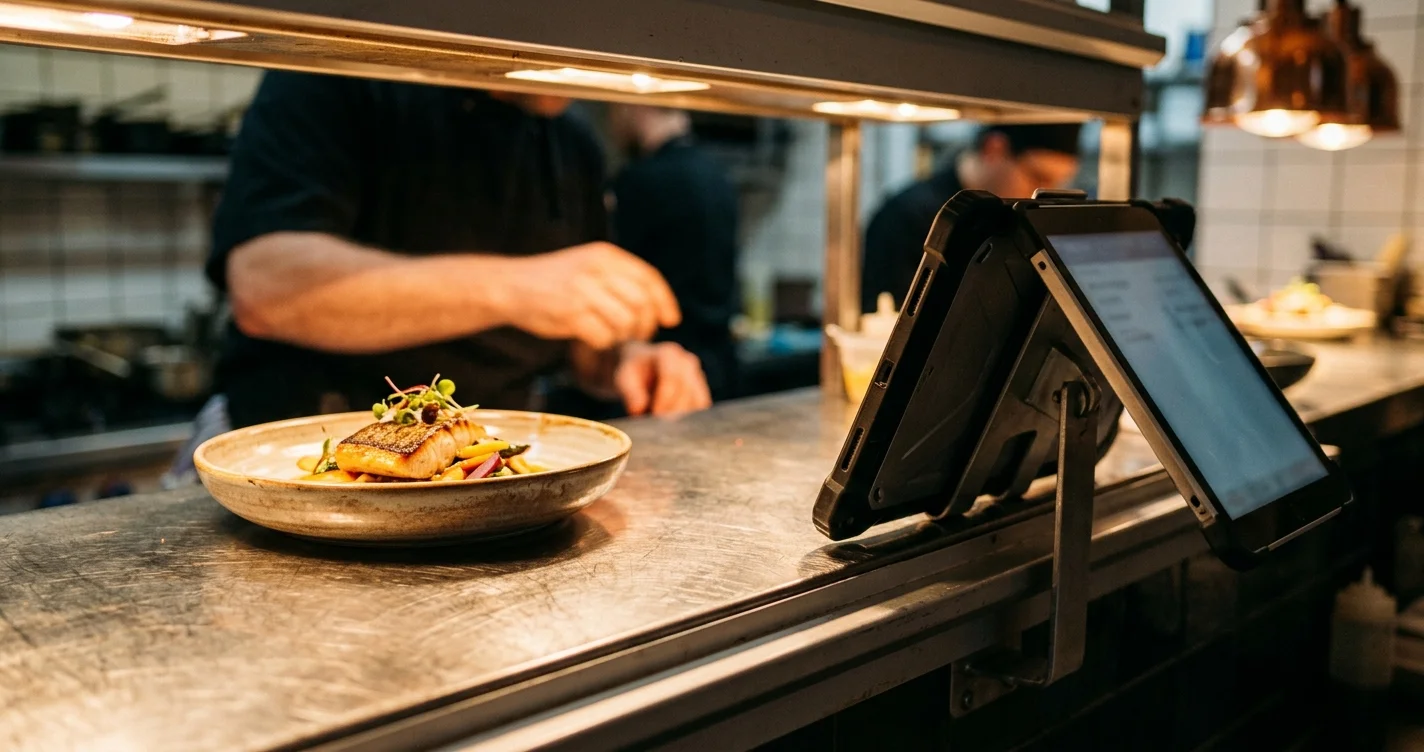
"Integration" is the wrong word for what MenuMog does in your kitchen, and I would rather say that in the first paragraph than in the small print. MenuMog does not connect to your POS. It does not talk to Square, Toast, Clover or your card terminal, it does not take payments, and there is no partner list to pick from. It is a self-contained ordering page and kitchen display that sits beside whatever you already run.
For a lot of small restaurants that is exactly right, and for some it is exactly wrong. This post is about telling the two apart before you spend an evening on it.
What MenuMog actually does at the pass
Two web pages, no installation:
- Your staff open the ordering page on a tablet or phone, pick a table, and send the order.
- The kitchen display shows it the moment it is sent — no refresh, no printer, no paper.
The kitchen screen is unlocked once with a 4–6 digit PIN you choose. Orders move through Pending → Confirmed → Preparing → Ready → Completed, and individual items have their own state, so the kitchen can mark drinks ready while the food is still going. Anything with a browser can be the display: a tablet, an old laptop, a monitor on a stand.
Payment is deliberately not part of this. MenuMog handles orders only — no payment processing, which also means no processing fees and no PCI compliance for you. Your till stays your till.
The honest cost of not integrating: double entry
Here is the trade, stated plainly. Because MenuMog does not talk to your POS, an order that needs to be paid for has to exist in both places: once in MenuMog so the kitchen sees it, once on your till so the customer can settle up.
Whether that is a good deal depends entirely on what you do today:
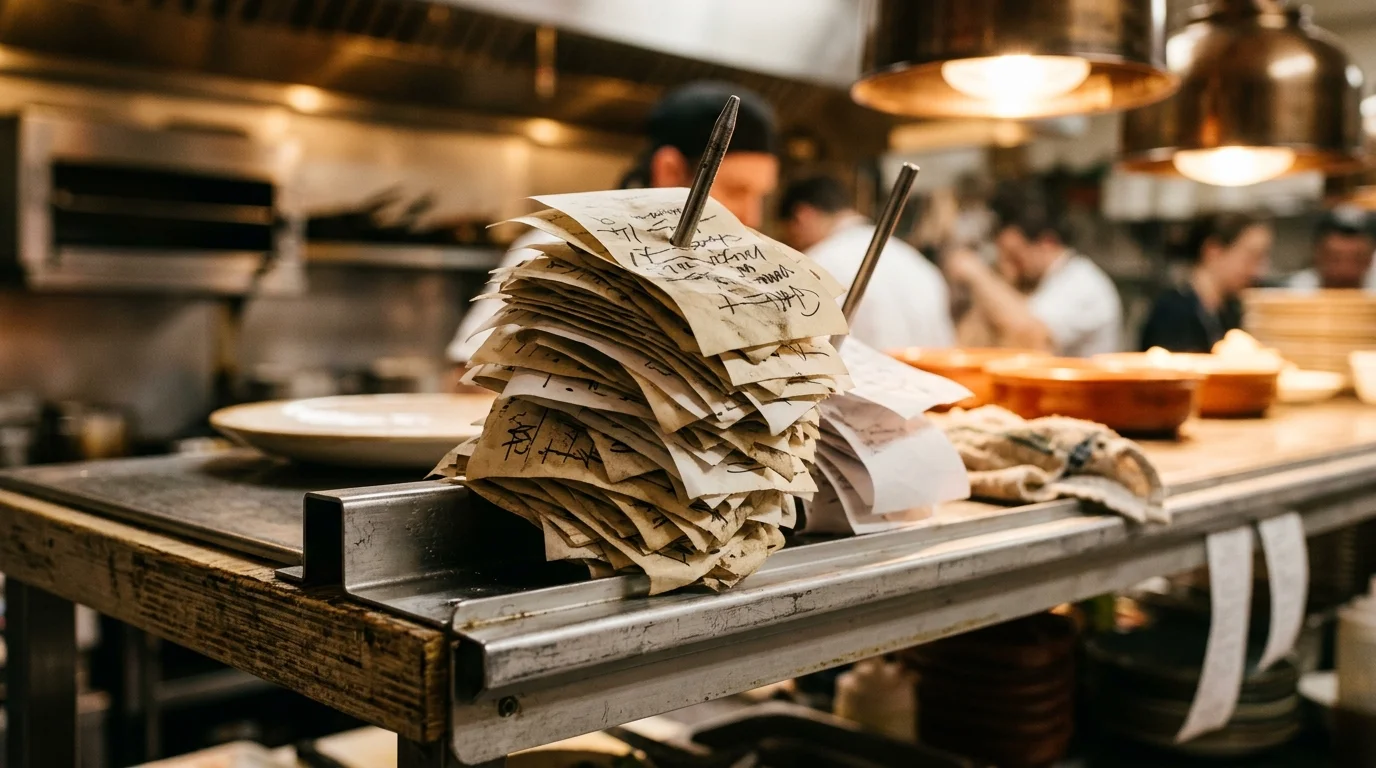
- You hand written tickets to the kitchen. MenuMog replaces the paper and the shouting, and the till work is unchanged. This is a clear win, and it is the situation the tool was built for.
- Your POS already sends orders to a kitchen printer or screen. Then MenuMog would be a second entry for no gain. Don't. Use what you have.
There is no third answer. If someone sells you a kitchen display that "integrates with everything", ask which fields sync in which direction, and watch what happens.
Five questions that decide it
- Do orders currently reach the kitchen on paper or by voice? If yes, this fixes a real problem.
- Do you need to know which server took which order? MenuMog has no staff accounts — one owner login and one shared kitchen PIN per venue. It cannot tell you.
- Does your kitchen keep working when the internet drops? MenuMog will not. There is no offline mode: orders travel over the network, and a dead connection means a frozen board.
- Do you want customers ordering from their table? The ordering page is a public URL, so a phone can reach it — but it is built around a staff device choosing a table, not around one QR code per table.
- Do you need it to handle money? It does not, at all.
Two "no"s in the first three questions and you probably want something bigger than MenuMog. Otherwise, it is worth the fifteen minutes.
What a small restaurant needs to set it up
- A menu built in MenuMog — typed in by hand; there is no import from a POS or a spreadsheet.
- A venue: a name, a URL slug, your table count, and a kitchen PIN.
- One device for the floor, one screen for the kitchen, and Wi-Fi that reaches both.
That is the whole shopping list. The full walk-through is in the kitchen display setup guide, and the floor side is in the staff ordering setup guide.
It costs nothing. MenuMog is free right now — no credit card, no trial countdown. The ordering system is badged PRO on the pricing page because it will eventually live in a paid tier; today it is on for everybody.
Where it goes wrong in a real kitchen
Four failures, all of them boring, all of them worth ten minutes before service rather than ten minutes during it:
- The screen goes to sleep. Set the display device's auto-lock to Never and keep it on a charger. Kitchen displays run all day; batteries do not.
- Somebody swipes away from the page. Turn on the tablet's kiosk or guided-access mode so it is locked to the one page.
- Wi-Fi is thin at the pass. The kitchen is usually the furthest room from the router and the one full of metal. Test where the screen will actually hang, not at the till.
- The table count is wrong. The ordering page shows exactly as many tables as your venue says it has, and an order for a higher number is refused. Count the room.
The shared PIN is worth one more line: everyone in the kitchen uses the same one, so change it when somebody leaves. It is stored hashed, which means nobody — me included — can look it up for you.
What you can measure afterwards, and what you cannot
Your dashboard totals completed orders: revenue, order count, your best-selling items, a split by venue, and a daily line for the last 30 days, over today, yesterday, 7 days, 30 days or all time. Completed orders export to CSV if you want them in a spreadsheet.
What it will not give you: order-error rates, speed-to-plate, or anything per staff member. Every order does carry the time it was placed and the time it was completed, so the raw material for a service-time number is sitting there — but nothing in the product turns it into one today, and I would rather say that than quote you a figure the software has never measured.
That is the whole system, including the parts it does not have. If your kitchen still runs on paper tickets, it is fifteen minutes to find out whether that is enough.
Share this article
Ready to create your digital menu?
Join restaurants and cafes using MenuMog for QR menus, ordering, and more.
Get started free